
Open your local server to the web in one second.
routingflare turns localhost into a public URL without typing tunnel commands, editing configs, or losing track of ports.
Latest release
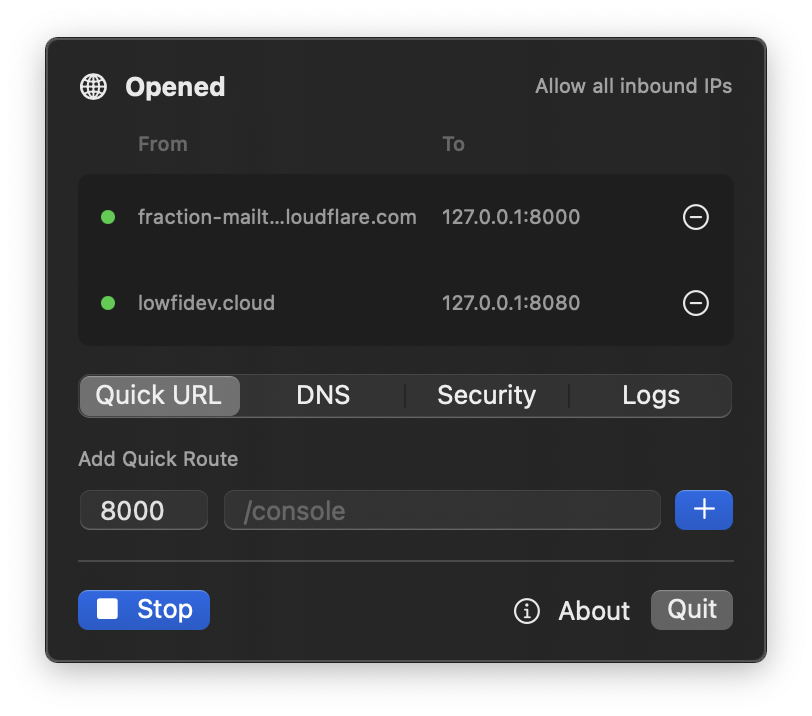
Install from Terminal
curl -fsSL https://raw.githubusercontent.com/ghkdqhrbals/routingflare/main/scripts/install.sh | bash
Who routingflare is for.
For moments when localhost is not enough, but a full deployment is too much.
1
Local developers
Turn a local port into a public URL.
2
Product teams
Share a dev server with teammates, QA, or mobile devices.
3
API builders
Receive webhooks and OAuth redirects on your machine.
4
Security-minded devs
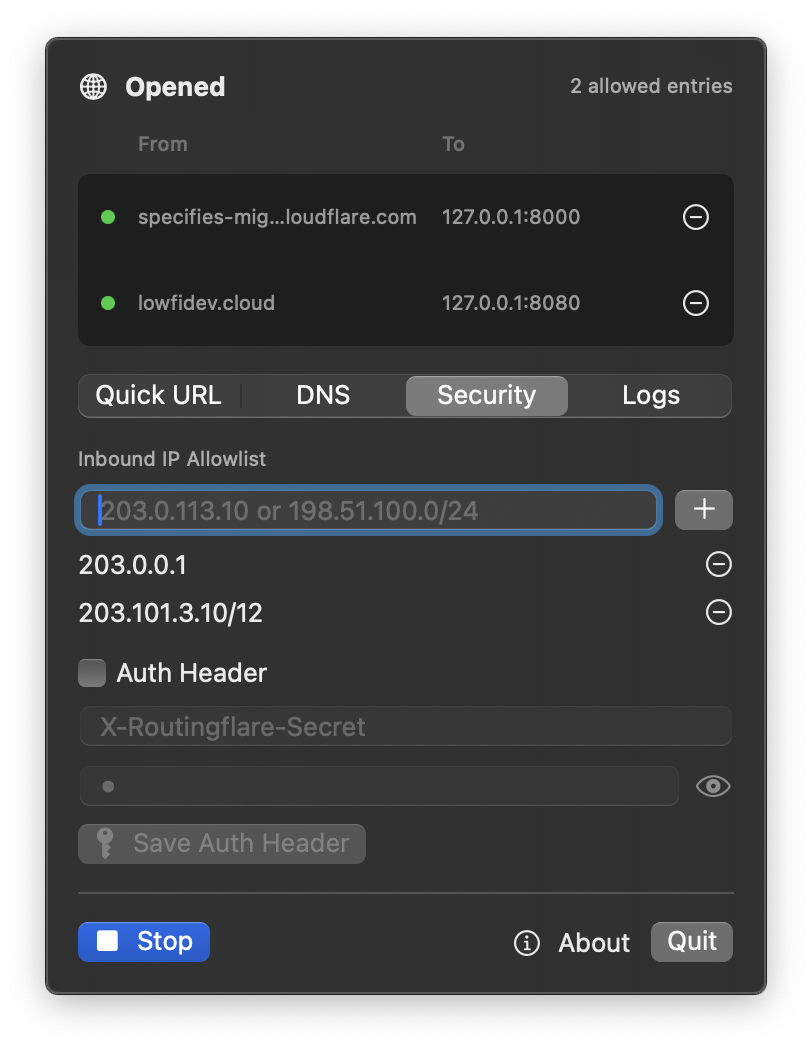
Limit access with IP allowlists and optional auth headers.
Three ways to keep routing simple.
Routing
- See every public route.
- Open or close routes one by one.
- Edit route security inline.
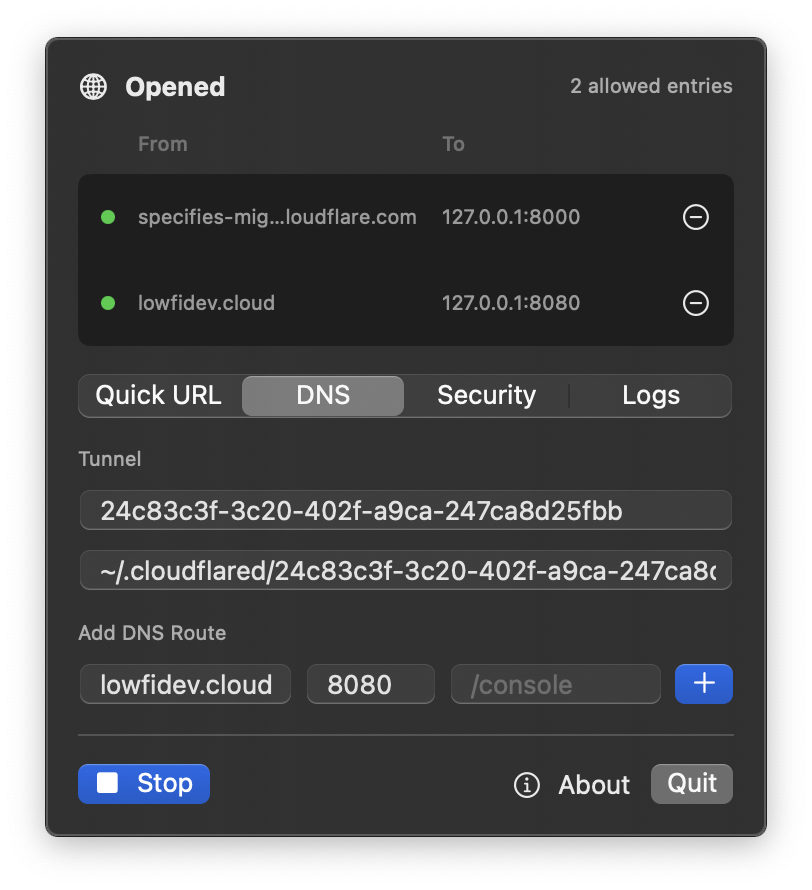
Add DNS
- Use your own hostname.
- Set the local port and path.
- Add the route from one sheet.
Add Random DNS
- Create a temporary address.
- Point it to a local port.
- Reopen to get a new address.
Skip the deploy. Open the route.
Built for local development, quick previews, and external testing.